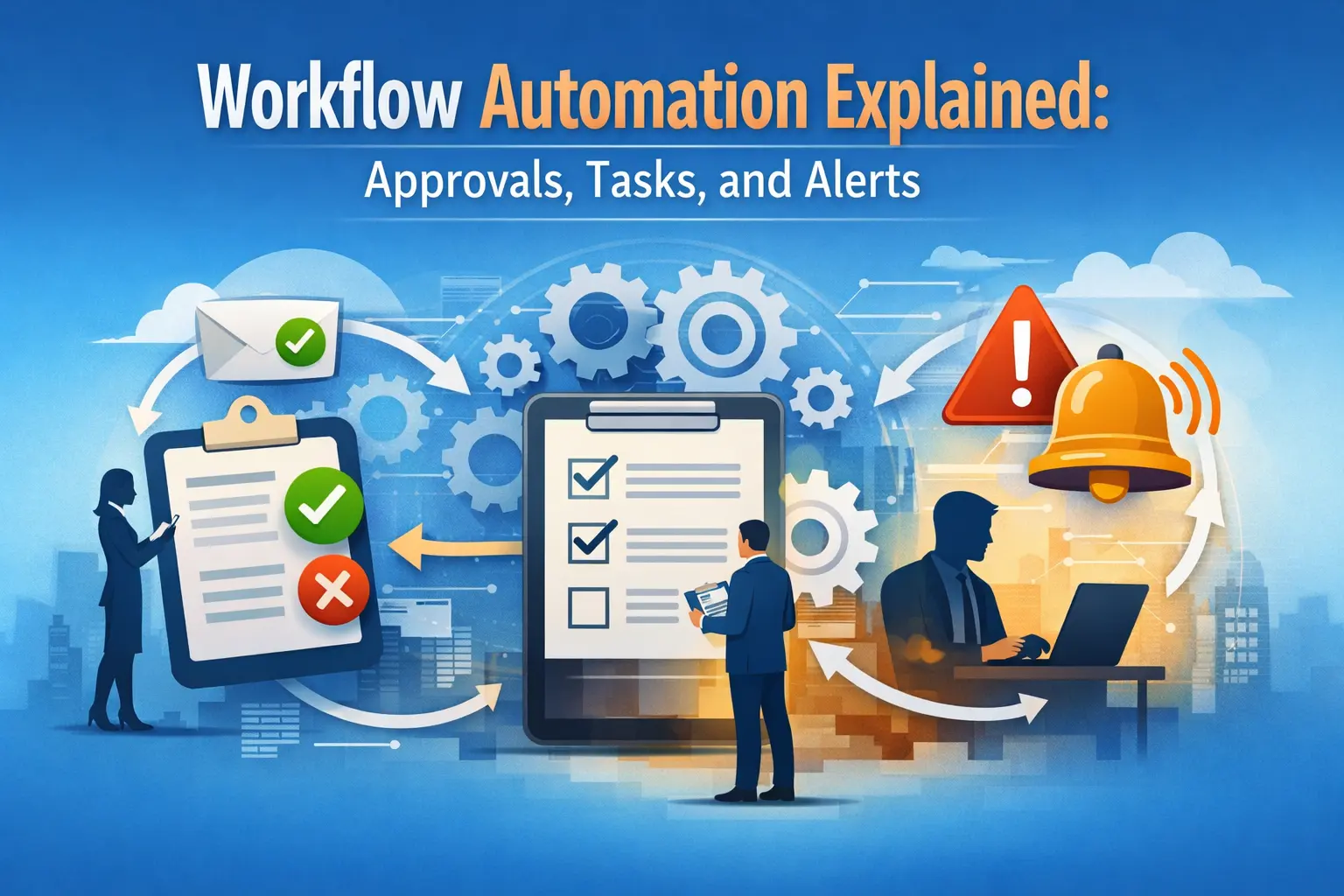
Workflow automation determines how organizations automate workflows to improve efficiency and accuracy. The workflow can be customized with codes to automate approvals, tasks, and alerts, enabling teams to streamline operations and manage time more effectively.
It helps employees improve value-driven activities by reducing manual labor and increasing accuracy. This knowledge of the workflow game plan ensures much greater efficiency for institutions and makes life simpler for everyone participating.
Understanding Workflow Automation
Workflow automation is the orchestration of task flows via technology within a repetitive business process. It automates the steps that typically involve human involvement, thus minimizing the risk of human error. Automation enables teams to complete repetitive tasks in a matter of seconds with consistency, freeing up time for other tasks. This method allows organizations to stay flexible and responsive to changing needs. Organizations implementing SharePoint workflow automation often improve document routing and approval efficiency.
Automation and the Function of Approvals
Approvals are also an important part of many business processes. The approval process can be automated, too, meaning requests will be routed to the correct channels automatically. When they need input from decision-makers, they can be notified while also keeping a record for future reference. This system reduces bottlenecks and wait times, facilitating project progress.
Task Management in Automated Workflows
At the heart of any workflow, tasks are a common component. Automation tools can also delegate tasks to team members and monitor the transfer of individual tasks from one stage to the next. Reminders help you encourage others to do their work on time and avoid delays. Task automation ensures a comprehensive record of all activities, eliminating any ambiguity and increasing the likelihood of positive outcomes.
Alerts: Keeping Everyone Informed
Good communication should get you through most situations. Automated alerts inform employees of changes, deadlines, or issues needing immediate attention. These alerts can be sent via email, SMS, and internal messaging systems. Everyone knows their role and upcoming milestones thanks to the transparent, timely alerts.
Benefits of Workflow Automation
Organizations that automate workflows simultaneously enjoy the following benefits: they complete routine tasks faster and with fewer errors, resulting in a more efficient process. The result is increased productivity, as employees spend less time repeating the same tasks and can focus on more meaningful work. Furthermore, with automation, you can record everything and establish a standard procedure that operations must follow, which also helps with compliance.
-
Reducing Human Error
Error-prone manual processes: Manual processes are prone to mistakes, especially when a task is repetitive or time-sensitive. Automation reduces the likelihood of errors by standardizing the execution of related processes. Automated systems do not become tired or lose focus, so each task receives equal attention. This reliability can enhance customer satisfaction and help maintain a positive reputation.
-
Improving Accountability
Tracking progress is easy with automated workflows. Every action is logged, letting managers know who did what and when. However, this transparency further fosters responsibility; everyone stays accountable for what they contribute. This helps us clearly identify the root cause and rectify it when issues arise.
-
Customizing Automated Processes
We can customize automation tools to meet the unique needs of every organization. Processes can be mapped to existing workflows or reengineered for greater efficiency. Automated workflows can expand as a company scales, introducing new functions and approval steps with little interruption.
Overcoming Implementation Challenges
While introducing automated workflows is not without its challenges, such as employee resistance or technical hurdles, achieving success relies heavily on effective communication, training, and continuous support. The team’s participation in the planning phase will allay fears and stimulate buy-in. Most enterprises on Bytes are designed to provide technical support for quick maintenance and to receive fixes when problems arise.
What The Future Holds For Workflow Automation
The growth of technology is driving businesses to further automate their workflows. The new tools are also more adaptive, smarter about notifications, and better integrated into existing systems. Automation is now within reach of virtually all teams, and running effective processes with a small team is even more of a boon.
Conclusion
Workflow automation changes the way organizations manage approvals, tasks, and alerts. With automation, teams not only become faster but also make fewer errors and build a culture of accountability. Organizations can navigate challenges and effectively leverage automation when open communication and adaptability prevail. Workflows will be more productive and smoother for everyone involved when you embrace them automatically.

Harsh Mistri is a Digital Marketing Executive with over 8 years of experience in SEO, online marketing, and growth strategies. He is passionate about exploring the evolving digital landscape and enjoys writing about technology, SEO, and digital marketing.