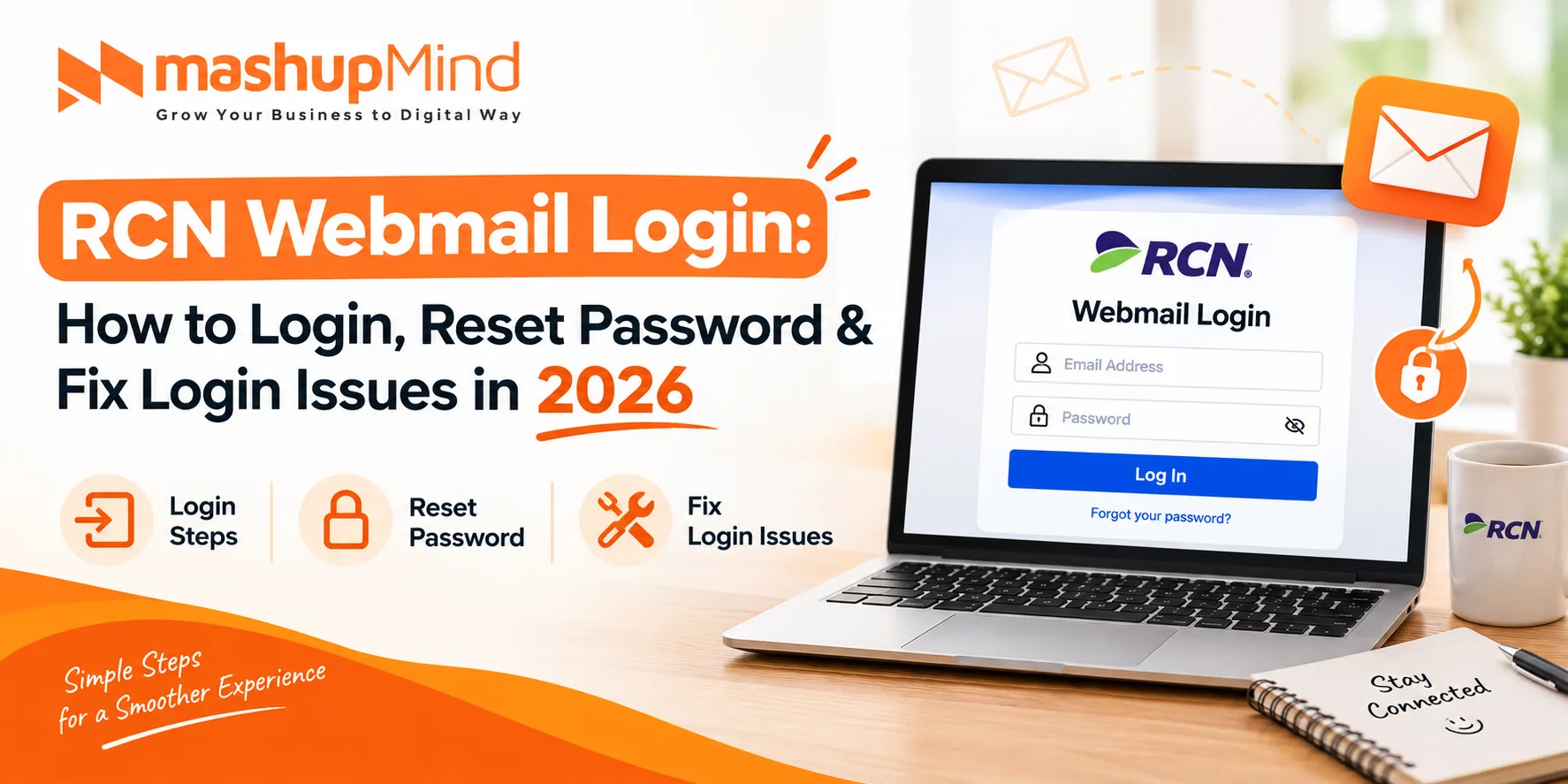
RCN webmail login lets you open your RCN email in a web browser, without an email app. Go to https://webmail.rcn.com, enter your full RCN email address and password, and click Login. RCN is now part of Astound Broadband, so your login also works through MyAstound.
This guide covers the official login link, how to log in on desktop, iPhone, and Android, how to reset a forgotten password, how to set up RCN email in Outlook, the correct IMAP and SMTP settings, and how to fix the most common login errors.
What Is RCN Webmail?
RCN Webmail is the web-based email service from RCN, now Astound Broadband. RCN provides internet, TV, and phone services in the US, in areas including Chicago, Boston, New York, Philadelphia, Washington DC, and Lehigh Valley.
With RCN Webmail, you can send, receive, and organise email from any browser. You do not need Outlook or Apple Mail. Your email address usually ends in @rcn.com, and older accounts may end in @starpower.net or @erols.com.
The standard storage size for RCN Webmail is 5GB. Your login for email is your full email address, for both incoming and outgoing mail. Passwords are case-sensitive.
RCN Webmail Login: Step-by-Step
- Open Chrome, Safari, Edge, or Firefox on your computer or phone.
- Go to https://webmail.rcn.com
- Enter your full RCN email address, for example [email protected]
- Enter your email password. Check Caps Lock – passwords are case-sensitive.
- Click Login to open your inbox.
If webmail.rcn.com does not open, go to the Astound support email page at astound.com/support/email, or log in through your MyAstound account at my.astound.com and open Webmail from there.
Do not use a random “RCN login” link from search results. Only use webmail.rcn.com, my.rcn.com, or my.astound.com. Fake login pages steal passwords.
RCN Webmail Login on iPhone and Android
You can log in through the browser, or add the account to your phone’s Mail app.
Login in a Browser (iPhone / Android)
- Open Safari on iPhone or Chrome on Android.
- Go to https://webmail.rcn.com
- Enter your full RCN email address and password.
- Tap Login.
Add RCN Email to iPhone Mail App
- Go to Settings > Mail > Accounts > Add Account > Other > Add Mail Account.
- Enter your name, full RCN email address, password, and a description.
- Tap Next, choose IMAP, and enter the server settings from the table below.
- Tap Save.
Add RCN Email to Android / Gmail App
- Open the Gmail app, tap your profile picture, tap Add another account > Other.
- Enter your full RCN email address and tap Manual setup > IMAP.
- Enter the incoming and outgoing server settings from the table below.
- Tap Next and then Sign in.
RCN Email Server Settings: IMAP, POP, and SMTP
Use these official Astound settings for Outlook, Apple Mail, Thunderbird, iPhone, and Android. Use IMAP if you read email on more than one device.
| Setting | Server | Port | Security |
|---|---|---|---|
| Incoming IMAP | imap.rcn.com | 993 | SSL |
| Incoming IMAP (no SSL) | imap.rcn.com | 143 | None |
| Incoming POP | pop.rcn.com | 995 | SSL |
| Incoming POP (no SSL) | pop.rcn.com | 110 | None |
| Outgoing SMTP | smtp.rcn.com | 587 | TLS |
| Outgoing SMTP (alternate) | smtp.rcn.com | 25 | None / TLS |
Login format: your full email address, [email protected]. Username: full email address. Password: your RCN email password, case-sensitive. SMTP authentication: must be turned on. Use SSL / TLS where the app offers it.
How to Set Up RCN Email in Outlook
- Open Outlook, go to File > Add Account.
- Enter your full RCN email address and click Connect.
- Choose IMAP when Outlook asks for the account type.
- Enter Incoming server imap.rcn.com, Port 993, Encryption SSL.
- Enter Outgoing server smtp.rcn.com, Port 587, Encryption TLS, and tick Require authentication.
- Enter your password and click Connect.
After you change your RCN password, update it in Outlook too. Go to File > Account Settings, select your RCN account, and enter the new password. Otherwise Outlook will keep asking you to sign in.
How Do I Recover My RCN Email Password?
To recover your RCN email password, go to MyAstound or MyRCN and click Forgot username or password. Enter your account number, then answer your security questions or enter the 6-digit PIN on your most recent bill. You will get an email with your username and a link to reset your password.
There are 3 ways to change or reset the password, depending on your account type. Use the one that matches your email domain.
Method 1: Forgot Password in MyAstound / MyRCN (Best If You Forgot It)
- Go to my.astound.com or my.rcn.com/login.
- Click Forgot username or password.
- Enter your account number.
- Answer your pre-set security questions, or enter the 6-digit PIN on your most recent bill.
- Check your email. You will get your username and a password reset link.
- Open the link, enter a new strong password twice, and submit.
If you cannot answer the security questions or find the PIN, Astound can send your PIN to your address on record, call you back at the phone number on your account, or send an email to an address that has been on file for at least 30 days. You can also visit a local office with a government photo ID.
Method 2: Change Webmail Password in MyAstound (astound.net Accounts)
You do not need to know the current password for this method.
- Log in to MyAstound.
- Click Accounts & Passwords under RCN Webmail.
- In Change Email Passwords, select your email address from the drop-down list.
- Enter the new password twice and click Submit.
Password changes take effect in less than 5 minutes.
Method 3: Change Password in Usertools (rcn.com, starpower.net, erols.com)
For these legacy domains, you must know the old password.
- Go to http://usertools.rcn.com
- Enter your current username and password.
- Enter the new password twice.
- Click Submit. The change takes effect in less than 5 minutes.
After you change the password, update it in every place you use it – Webmail, Outlook, iPhone Mail, and Android – or those apps will keep failing to log in.
How to Create a Strong RCN Password
- Use at least 12 characters, with upper and lower case letters, numbers, and a symbol.
- Do not reuse a password from another site.
- Do not use your name, birthdate, or “rcn123”.
- Turn on two-factor authentication in MyAstound if it is offered for your account.
- Change the password at once if you used it on a fake login page.
RCN Webmail Login Not Working? Fix It Here
| Problem | Most Likely Cause | Fix |
|---|---|---|
| Wrong email or password | Typo, Caps Lock, or old password | Retype the full email address, turn off Caps Lock, reset the password in MyAstound |
| Page will not open | Wrong URL or browser cache | Use https://webmail.rcn.com, clear cache, try another browser |
| Login works on web, fails in Outlook | Old password saved in Outlook, or wrong server | Update the password in Outlook, check imap.rcn.com / 993 and smtp.rcn.com / 587 |
| Cannot send email | SMTP authentication off | Turn on SMTP authentication, use Port 587 with TLS |
| No new emails | Mailbox full (5GB limit) or POP deleted mail | Delete old mail, empty Trash, use IMAP not POP |
| Account locked | Too many wrong attempts | Wait 30 minutes, reset the password, then log in once |
| Verification code never arrives | Wrong recovery email / phone on file | Check Spam, update recovery details in MyAstound, or use the bill PIN method |
Is RCN Webmail Free?
Yes. RCN Webmail is free for RCN / Astound internet customers who have an RCN email account. You do not pay extra for Webmail. If you cancel your RCN internet service, your RCN email account may also close – download important emails first.
RCN vs Astound: What Changed?
RCN, Grande, Wave, and enTouch now operate as Astound Broadband. Your RCN email address, username, and password did not change. The login pages moved to astound.com and my.astound.com, but webmail.rcn.com still works for email login. When you log in to a new network or app, you still select your original provider – RCN, Grande, Wave, or enTouch – not Astound as a new provider.
Frequently Asked Questions About RCN Webmail Login
1. What is the official RCN webmail login link?
The official link is https://webmail.rcn.com. Enter your full RCN email address and password there. You can also log in through my.astound.com or my.rcn.com.
2. How do I reset my RCN webmail password if I forgot it?
Go to my.astound.com, click Forgot username or password, enter your account number, answer your security questions or enter the 6-digit PIN on your bill, and follow the reset link sent to your email.
3. What are the RCN email settings for Outlook and iPhone?
Incoming IMAP: imap.rcn.com, Port 993, SSL. Outgoing SMTP: smtp.rcn.com, Port 587, TLS. Login with your full email address, [email protected], and turn on SMTP authentication.
4. Why is my RCN webmail login not working?
The most common causes are a wrong password, Caps Lock on, an old password saved in Outlook or Mail, or a wrong server setting. Retype the password, reset it in MyAstound, and check the IMAP / SMTP settings above.
5. Is RCN now Astound Broadband?
Yes. RCN is now part of Astound Broadband, with Grande, Wave, and enTouch. Your email address and password stayed the same, and webmail.rcn.com still works.
6. How much storage does RCN Webmail give?
RCN Webmail gives 5GB of standard storage. If your mailbox is full, delete old emails and empty Trash, or you will stop receiving new mail.
The bottom line
RCN webmail login is simple. Use webmail.rcn.com. Enter your full email address and password. Click Login.
If you forgot your password, use Forgot username or password in MyAstound. Enter your account number and your security answers or bill PIN. Reset it from the email link.
For Outlook and iPhone, use imap.rcn.com on Port 993 and smtp.rcn.com on Port 587. Update the password in every app after you change it.

Harsh Mistri is a Digital Marketing Executive with over 8 years of experience in SEO, online marketing, and growth strategies. He is passionate about exploring the evolving digital landscape and enjoys writing about technology, SEO, and digital marketing.