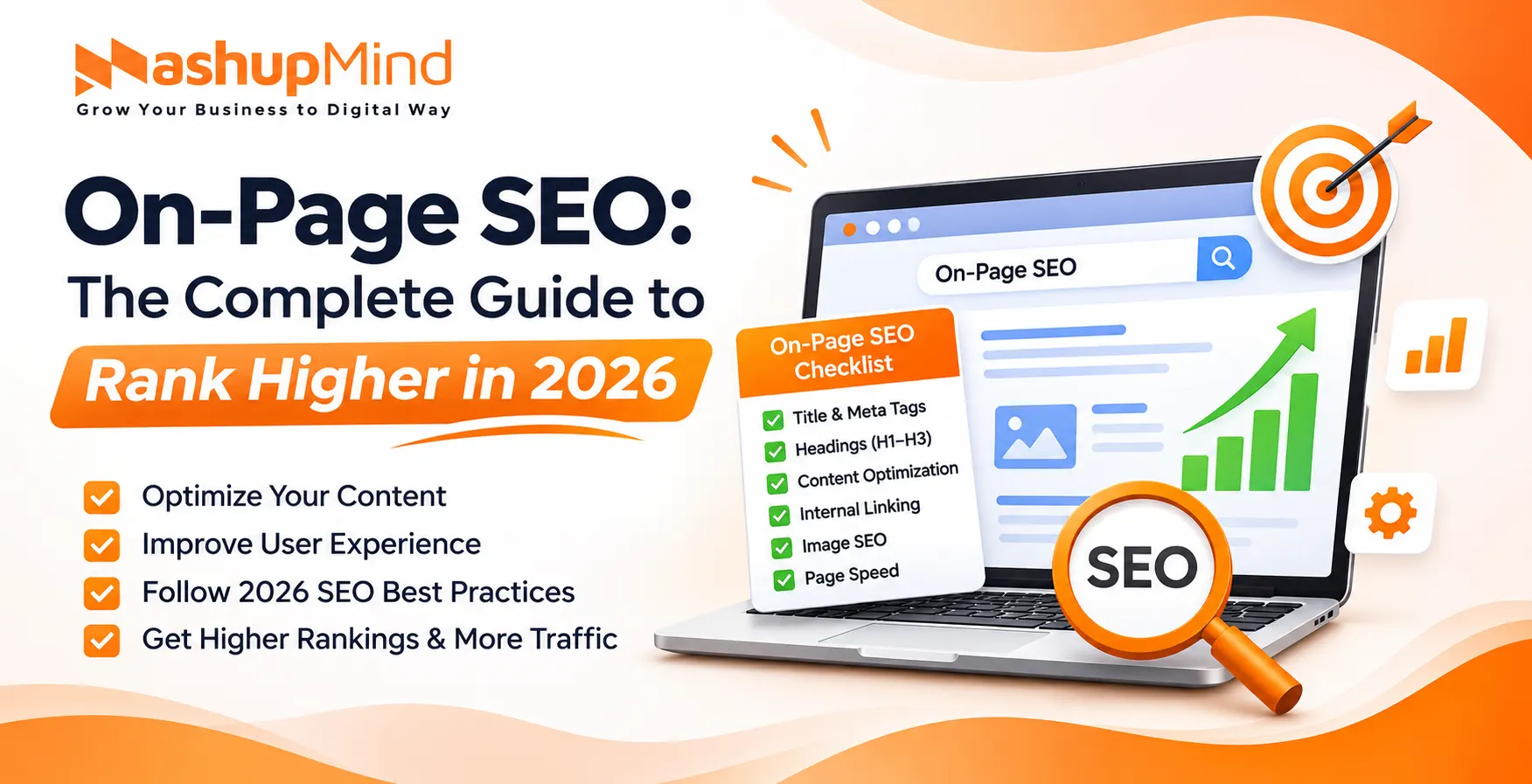
On-page SEO is the process of optimising every element on a web page – content, title, headings, keywords, images, links, and page speed – so Google can understand it and rank it higher. Use the 15-point checklist below on every page before you publish it.
Most people think SEO only requires backlinks and technical setup. Backlinks help, but they cannot save a poorly optimised page. Every page needs proper on-page optimisation first.
This guide explains what on-page SEO is, why a checklist matters, and the exact 15 points to check, with examples for each one.
What Is On-Page SEO?
On-page SEO is the optimisation of elements inside your own website to improve search rankings and bring in targeted traffic.
These elements include:
- Page content
- Keywords and search intent
- Title tags
- Meta descriptions
- Headings (H1-H3)
- Images and alt text
- Internal links
- URL structure
- Page speed and mobile-friendliness
On-page SEO is different from off-page SEO. Off-page SEO covers external factors, such as backlinks, social media, and brand mentions.
In simple terms:
- On-page SEO = Optimisation inside your website
- Off-page SEO = Optimisation outside your website
Both matter, but on-page SEO gives you direct control. You can fix it today, without waiting for anyone to link to you.
Why an On-Page SEO Checklist Matters
Many websites still ignore structured SEO when they create content. A checklist stops that.
1. Maintains Consistency
A checklist makes every page follow the same standard. No page goes live without a title, meta description, H1, and internal links.
2. Improves Search Visibility
Optimised pages help Google understand your content and rank it for the right keywords.
3. Enhances User Experience
Good on-page SEO also improves readability, navigation, and page speed. Visitors stay longer and read more.
4. Prevents Costly Mistakes
A checklist catches duplicate titles, missing alt text, and broken links before Google finds them.
You may like to know: From SEO to GEO, AEO, AIO & LLMO: The New Era of Search Marketing
Before the Checklist: Match Search Intent
Before you optimise a page, check what the user wants. Google ranks pages that match intent, not just pages that repeat a keyword.
| Intent | What the user wants | What your page should give |
|---|---|---|
| Informational | Learn how something works | A clear guide, steps, and examples |
| Commercial | Compare options before buying | Comparison, pros and cons, pricing |
| Transactional | Buy or book now | Price, offer, and a clear CTA |
| Navigational | Find a specific brand or page | Your brand page, contact, and login |
Search your keyword on Google. Look at the top 5 results. If they are guides, write a guide. If they are product pages, write a product page. Do not write a guide when Google ranks product pages.
15-Point On-Page SEO Checklist
Use this table on every page. Tick each point before you publish.
| # | Checklist Point | Rule |
|---|---|---|
| 1 | Keyword placement | Main keyword in title, H1, intro, and conclusion |
| 2 | Title tag | Under 60 characters, keyword near the start |
| 3 | Meta description | 150-160 characters, with keyword and CTA |
| 4 | Headings H1-H3 | One H1 only, H2s for sections, H3s for sub-sections |
| 5 | SEO-friendly URL | Short, descriptive, keyword-focused |
| 6 | Internal linking | 2-5 relevant internal links, with descriptive anchor text |
| 7 | Image optimisation | Compressed, WebP, descriptive file name, alt text |
| 8 | Content quality | Original, helpful, and deeper than top results |
| 9 | Keyword variations | Related keywords and synonyms, no stuffing |
| 10 | Mobile-friendliness | Responsive, readable, and tappable on mobile |
| 11 | Page speed | LCP under 2.5 seconds |
| 12 | Schema markup | Article / FAQ / Product schema that matches the page |
| 13 | Content formatting | Short paragraphs, bullets, tables, and subheadings |
| 14 | External references | 1-3 links to trusted sources |
| 15 | Content freshness | Review date, update facts, and republish |
1. Keyword Placement
Put your main keyword in the title, H1, first 100 words, one H2, and the conclusion. That tells Google what the page is about.
Do not repeat it in every paragraph. Use it naturally, 3-5 times in a 1,500-word article is enough.
2. Title Tag Optimisation
The title tag is a strong ranking factor. Keep it under 60 characters, put your primary keyword near the start, and add a benefit or year.
Example: On-Page SEO Checklist 2026: 15-Point Guide to Rank Higher
Do not use the same title on two pages. Every page needs a unique title.
3. Meta Description
A good meta description improves click-through rate. Keep it 150-160 characters, include your target keyword naturally, and end with a reason to click.
Example: Use this 15-point on-page SEO checklist to optimise title, meta, headings, content, images, links, and page speed. Rank higher on Google in 2026.
4. Header Tags (H1-H3)
Use headers to structure your content.
- H1: Main title – use only one H1 per page
- H2: Main sections
- H3: Sub-sections under an H2
Write H2s as questions your users actually search for. This helps readability, SEO, and featured snippets.
5. SEO-Friendly URL
Your URL should be short, descriptive, and keyword-focused.
Example: mashupmind.com/on-page-seo-checklist/
Avoid long URLs, dates, numbers, and stop words like “and”, “the”, and “of” in the slug.
6. Internal Linking
Internal links help Google find your pages and help users explore your site. Link to 2-5 relevant pages from every article.
Use descriptive anchor text. Link “on-page SEO checklist” to the checklist, not “click here”. Link new pages from your high-traffic pages first, so Google finds them faster.
7. Image Optimisation
Optimise every image by:
- Compressing the file size before upload
- Using WebP format where possible
- Using a descriptive file name, like on-page-seo-checklist.jpg
- Adding alt text that describes the image and includes the keyword where natural
- Adding width and height, and lazy load for images below the fold
This improves SEO, page speed, and accessibility.
8. Content Quality and E-E-A-T
High-quality content gives real value. It answers the question fully, with examples, data, and steps the reader can follow.
Google looks for E-E-A-T: Experience, Expertise, Authoritativeness, and Trustworthiness. Show who wrote the article, add an author bio, add a publish and update date, and add real examples or client results where you can.
Do not publish thin content. A page that says in 200 words what competitors cover in 1,500 words will not rank.
9. Keyword Variations and Related Terms
Use related keywords and synonyms instead of repeating one keyword. This helps Google understand the topic in full.
For “on-page SEO”, also use: title tag optimisation, meta description, internal linking, image alt text, heading structure, and page speed. Cover the topic, do not just repeat the keyword.
10. Mobile Friendliness
Most users visit from mobile. Your page must be responsive, with readable text, no horizontal scrolling, and buttons that are easy to tap.
Test it in Google Search Console under Mobile Usability, and on your own phone before you publish.
11. Page Speed and Core Web Vitals
Fast pages rank better and convert better. Aim for these Core Web Vitals targets:
- LCP (Largest Contentful Paint): under 2.5 seconds
- INP (Interaction to Next Paint): under 200 ms
- CLS (Cumulative Layout Shift): under 0.1
Improve speed by compressing images, using caching, minimising scripts, and removing unused plugins.
12. Schema Markup
Schema helps Google understand your content and can bring rich results in search.
Use Article schema for blog posts, FAQPage schema for FAQ sections, and Product schema for product pages. The schema must match what users see on the page. Do not add schema for content that is not on the page.
13. Content Formatting
Good formatting improves readability. Use:
- Bullet points and numbered lists
- Short paragraphs – 2-3 lines each
- Subheadings every 200-300 words
- Tables for comparisons
- Bold for key terms, sparingly
This makes your content easy to scan, and easy for AI and Google to extract.
14. External References
Link to 1-3 reputable external sources. It boosts credibility and gives readers more value.
Link to the original source – Google, Search Engine Journal, or an official study – not to a copy of it. Open external links in a new tab.
15. Content Freshness
Update your content regularly. Facts, tools, and Google rules change every year.
Review each important page every 6 months. Update the year, fix broken links, add new sections, and change the “Last updated” date. Do not just change the date – change the content too.
You may like to know: Top website audit tools (2026)
How to Do an On-Page SEO Audit in 30 Minutes
- Open the page in Google Search Console. Check if it is indexed, and which keywords it already ranks for.
- Check the title, meta, and H1 in Yoast or Rank Math. Fix duplicates and missing fields.
- Run the URL in PageSpeed Insights. Fix the top 3 speed issues.
- Check all internal and external links. Fix broken links.
- Read the page on mobile. Fix text that is too small, buttons that are too close, and images that overflow.
- Compare it with the top 3 results for your keyword. Add what they cover and you miss.
Tools for On-Page SEO
| Tool | What to use it for |
|---|---|
| Google Search Console | Indexing, keywords, mobile issues, Core Web Vitals |
| Yoast SEO / Rank Math | Title, meta, schema, readability check |
| PageSpeed Insights | Speed and Core Web Vitals score |
| Screaming Frog | Full site crawl, duplicate titles, missing meta, broken links |
| Ahrefs / Semrush | Keyword gaps, content gaps, and competitor comparison |
Common On-Page SEO Mistakes
Even experienced website owners make SEO mistakes that hurt rankings.
- Keyword stuffing: Repeating a keyword again and again makes content unnatural. Google may penalise the page.
- Duplicate titles and meta descriptions: Every page needs a unique title and meta. Duplicates confuse Google.
- Missing meta description: If you leave it blank, Google picks random text from the page.
- Thin content: Pages with very little useful content do not rank. Give detailed, helpful answers.
- Multiple H1s: Use one H1 per page. Use H2s and H3s for the rest.
- No image alt text: Images without alt text miss SEO value and hurt accessibility.
- Broken internal links: Broken links waste crawl budget and hurt user experience.
- Ignoring mobile speed: A page that loads slowly on mobile will lose rankings, even if the desktop version is fast.
How MashupMind Helps With On-Page SEO
MashupMind is a digital marketing agency in Ahmedabad. On-page SEO is part of every SEO project, not an add-on.
- SEO Services: Full on-page audit, keyword mapping, title and meta optimisation, and technical fixes for indexing and speed.
- Content Writing Services: Search-intent content with clear headings, evidence, FAQs, and internal links, written for people and Google.
- SaaS Link Building Service: High-authority backlinks after on-page is fixed, so links point to pages that can actually rank.
- PPC Services: Paid search that brings leads while your on-page SEO builds, with landing pages optimised for Quality Score and conversions.
- Meta Ads Services: Facebook and Instagram ads that send traffic to your optimised pages, with clear offers and fast-loading landing pages.
- Social Media Marketing: Consistent brand presence on Facebook, Instagram, and LinkedIn, which brings traffic, mentions, and trust signals to your optimised pages.
- Influencer Marketing: Creator partnerships that get your best pages mentioned by real people, in real content that Google can find.
- E-commerce Account Management: On-page optimisation for product listings on Amazon, Flipkart, and Meesho, with keyword-rich titles, images, and descriptions.
If you want on-page SEO for your website, MashupMind starts with a free SEO audit: we check your titles, metas, headings, content, images, links, and speed, and list the top 10 pages to fix first.
Frequently Asked Questions About On-Page SEO
1. What is on-page SEO in simple words?
On-page SEO is optimising the elements on your own web page – title, content, headings, images, links, and speed – so Google can understand it and rank it higher.
2. What is the difference between on-page and off-page SEO?
On-page SEO is optimisation inside your website. Off-page SEO is optimisation outside your website, mainly backlinks and brand mentions. You control on-page SEO directly. Off-page SEO depends on other websites.
3. How many times should I use my keyword on a page?
Use your main keyword in the title, H1, first 100 words, one H2, and the conclusion. For a 1,500-word article, 3-5 natural uses are enough. Use related keywords for the rest. Do not stuff the keyword.
4. How long should a title tag and meta description be?
Keep the title under 60 characters and the meta description between 150-160 characters. Put the keyword near the start of the title and include it naturally in the meta.
5. How often should I update on-page SEO?
Review important pages every 6 months. Update facts, add new sections, fix broken links, and refresh the date. Update a page sooner if its ranking drops or Google changes a rule.
6. Is on-page SEO enough to rank on Google?
No, on-page SEO alone is not enough. You also need good backlinks, technical SEO, and a fast, mobile-friendly site. But without on-page SEO, backlinks cannot save a page that Google cannot understand.
The bottom line
On-page SEO is not a one-time task. Check every page before you publish it. Use the 15 points above.
Start with intent. Write for the user first. Optimise the title, meta, headings, and images. Link internally. Make the page fast on mobile.
Do that consistently, and Google will understand your pages better, rank them higher, and send you more targeted traffic.
Want help with that? MashupMind can run your free SEO audit. We can fix your top 10 pages first. Contact us today.

I’m Kishan Rana, an SEO professional and digital marketing specialist with over 8 years of hands-on experience in search engine optimization, organic growth strategies, and online visibility enhancement. I’m passionate about analyzing search algorithms, exploring ranking strategies, and helping businesses build sustainable traffic through data-driven SEO practices. Through Mashupmind, I share practical insights, industry trends, and actionable techniques designed to help brands grow smarter in the digital landscape.